Compress Image to 20 KB
Shrink any photo to 20 KB or less without leaving this page. The tool finds the highest quality that still fits 20 KB, so you get the sharpest version of your image that the limit allows.
Measured example: a 2.26 MB photo with the 20 KB max preset
We ran a phone photo (4160 × 3120 px, 2.26 MB, JPG) through the tool on this page using its 20 KB max preset. Full size could not fit this limit at a clean quality, so the tool reduced the pixel dimensions to 22% and saved at 25% JPEG quality. The file went from 2.26 MB to 20 KB. The cost is fewer pixels and softer fine detail; the tool chose that over keeping all 13 megapixels at a much lower quality.
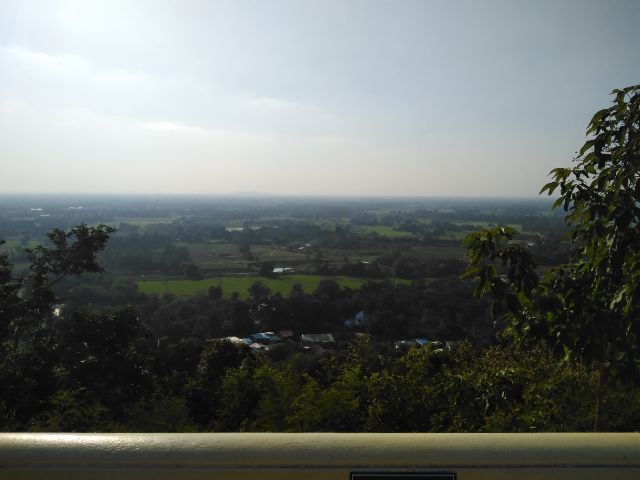
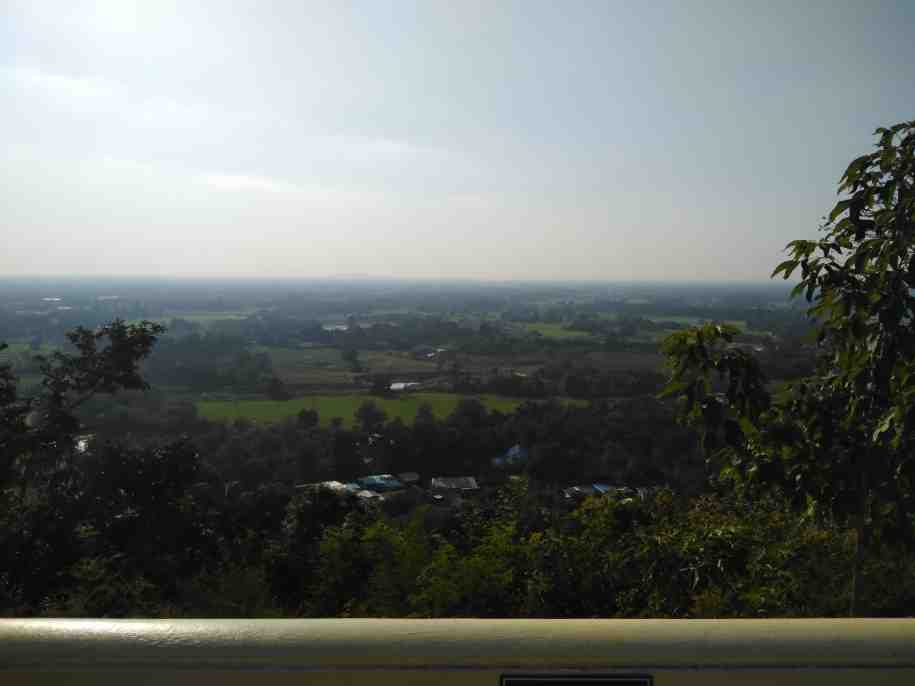
The sample is a demonstration photo that ships with this page: Random landscape photo I took by Philsacor, released under CC0, with its camera and location metadata removed. Sizes were measured on 2026-11-15 in Chrome 157.0.8103.78; browsers encode JPEG differently, so your figures can differ. Your own image is processed in your browser and is never uploaded. Download the sample (2.26 MB) to repeat this yourself.

What actually fits in 20 KB
Twenty kilobytes is 20,480 bytes — a small budget, and the most common signature allowance on Indian recruitment portals. Whether it is generous or punishing depends entirely on how many pixels you are asking it to cover.
Rough guide for a JPEG at reasonable quality, based on the pixel count rather than the subject:
| Dimensions | Pixels | 20 KB gives you |
|---|---|---|
| 140 × 60 | 8,400 | Excellent — near-lossless for a signature |
| 300 × 80 | 24,000 | Very good — strokes stay sharp |
| 200 × 230 | 46,000 | Good — usable passport-style photo |
| 600 × 800 | 480,000 | Soft — visible blocking in flat areas |
| 1920 × 1080 | 2,073,600 | Poor — heavy artefacts, text unreadable |
The pattern is that 20 KB is plentiful below roughly 50,000 pixels and increasingly cruel above it. If your result looks bad, the fix is almost always fewer pixels rather than a different tool.
Why signatures suit 20 KB so well
JPEG spends its bytes on detail and colour variation. A signature is mostly white paper with a few dark strokes — very little variation — so the encoder discards almost nothing and the file stays small at high quality. A photograph of a face has continuous tone in every direction and eats bytes everywhere.
This is why forms pair a 10–20 KB signature limit with a 20–50 KB photo limit. The two numbers look arbitrary until you realise they reflect how compression actually behaves.
Getting close to 20 KB rather than far below
A form that says "10–20 KB" wants the file inside that band, and some validators reject anything under the floor as well as anything over the ceiling. Use the Close to 20 KB preset: it sets a 16 KB minimum alongside the 20 KB cap, so the output lands near the top of the range instead of at 4 KB.
If your file comes out under the minimum even at maximum quality — common with clean signature scans — padding is added inside the file so the byte count meets the floor. The visible image does not change at all.
When 20 KB cannot be reached
Every image has a floor below which JPEG cannot go at its current dimensions, no matter how far quality drops. A 12-megapixel phone photo cannot become 20 KB while keeping its dimensions; there is simply too much structure to describe.
When that floor sits above your target, the tool reduces the pixel dimensions in steps and tells you the scale it used. You can avoid the automatic reduction by cropping first — a tight crop of a signature or a head-and-shoulders crop of a portrait reaches 20 KB while keeping the part you care about at full resolution.
Before you upload: a short checklist
- Format is really JPG — not a PNG renamed with a .jpg extension
- Size is inside the stated range, not merely under the maximum
- Pixel dimensions match whatever the form specifies
- The signature or face is still legible at 100% zoom
- Ink is dark and the background reads as white, not grey
A note on repeated compression
Compressing an already-compressed JPEG degrades it further, because the encoder is now describing the previous encoder's artefacts as if they were real detail. If a first attempt comes out wrong, go back to the original file rather than re-compressing the 20 KB output. Keep the untouched original until your application is submitted and accepted.
Portal Dimension & Requirement Reference Table
When compressing an image for online applications, portals typically enforce both a kilobyte budget and exact pixel framing:
| Application Portal Type | Usual Document Type | Standard Dimensions | Typical KB Budget |
|---|---|---|---|
| Passport & Visa Applications | Biometric Portrait | 600 × 600 px (2×2 in) / 413 × 531 px | 20 KB – 100 KB |
| SSC Recruitment (CGL, CHSL) | Passport Photo / Signature | 200 × 230 px / 140 × 60 px | 20–50 KB (Photo), 10–20 KB (Sign) |
| IBPS / SBI Banking Exams | Photo, Signature & Thumb | 200 × 230 px / 140 × 60 px | 20–50 KB (Photo), 10–20 KB (Sign) |
| UPSC Civil Services | Photograph / Signature | 350 × 350 to 1000 × 1000 px | 20 KB – 300 KB |
| University Admission Portals | Student ID / Mark Sheet | 300 × 350 px / 1200 × 1600 px | 50 KB – 200 KB |
| Job Boards & LinkedIn | Professional Avatar | 400 × 400 px / 800 × 800 px | 100 KB – 500 KB |
Cross-Tool Suite: Prepare Your Photos for Any Form
Need to polish or upscale this photo before submission?
Our client-side tool suite provides complementary utilities that run 100% locally on your device with zero data uploads:
For example, if your application portal requires a plain white background, run your photo through our Passport Photo Background Changer first. If your original image is blurry or small, sharpen it with our AI Image Upscaler before applying your final kilobyte size ceiling.
Questions
Why does my 20 KB file still get rejected?
Check the other two rules: pixel dimensions and format. A 20 KB PNG fails a form that demands JPG, and a correctly sized file can still be refused for being 800 pixels wide when the limit is 300.
Can a passport photo work at 20 KB?
Yes, at passport dimensions such as 200×230 pixels, where 20 KB covers about 46,000 pixels. Problems only appear if you keep full camera dimensions.
Does 20 KB mean 20,000 bytes?
No — 20 KB is 20,480 bytes, since one kilobyte is 1,024 bytes. Upload validators use the same convention, so a file the tool reports as 20 KB passes a 20 KB limit.
My signature came out at 3 KB. Is that a problem?
It is if the form sets a minimum, which many do at 10 KB. Use the preset with a minimum so the file is padded into the required range.
Should I convert to greyscale to save space?
It can help a little for scans, but at 20 KB with small dimensions you rarely need it. Greyscale matters far more at larger dimensions, where colour information costs real bytes.